TableQR Alternative: Moving Your Menu to Elegant Menu
Looking for a TableQR alternative? What changes when your menu moves to Elegant Menu: an AI agent instead of a service team, guest ordering and payments, and all 14 EU allergens.

On this page
If you are looking for a TableQR alternative, you probably like having a polished digital menu but want more control over it, or want guests to order from it. Elegant Menu, the QR menu and ordering platform, gives you both: an AI agent builds and edits the menu with you, and guests order and pay from the table, with all 14 EU allergens shown on every dish.
Short answer: TableQR is a done-for-you service whose team builds and maintains a view-only menu. Elegant Menu puts the same result in your hands with AI, and turns the menu into a way to take orders and payments.
Why do venues look for a TableQR alternative?
Venues look for a TableQR alternative when they want guests to order from the menu, or want to make changes themselves without going through a team. According to its homepage and pricing page (checked November 2026), TableQR’s team designs, translates and tags your menu, including allergens and calories, and on its Concierge plan makes every later change for you. It is priced per venue, per year.
It is also clear about its scope: its UAE page describes TableQR as a digital menu for viewing your offering. We found no ordering or payments on its pages.
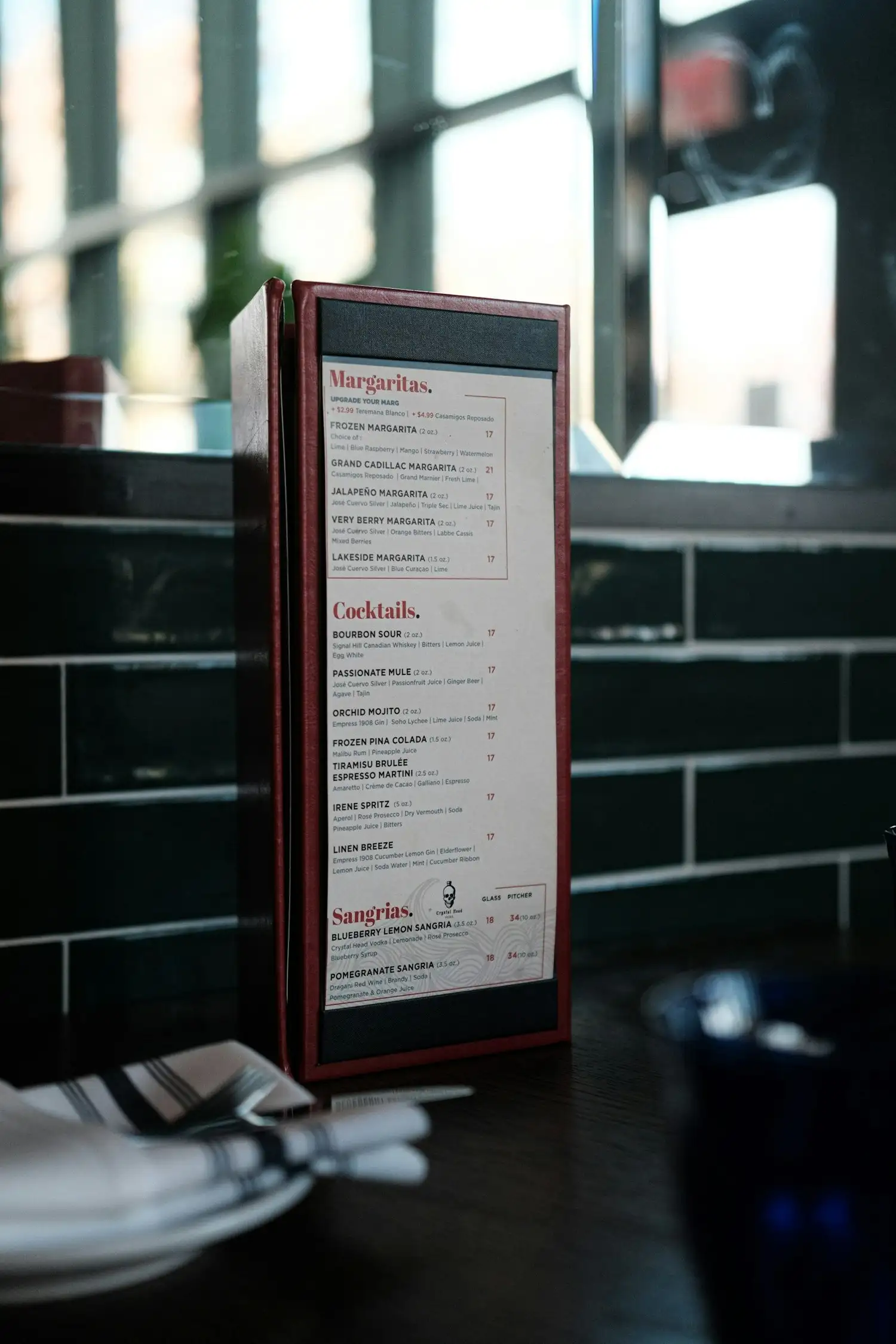
What changes when you move to Elegant Menu?
When you move to Elegant Menu, the work a service team used to do happens in minutes with AI, and the menu starts taking orders.
The menu built for you, by an AI agent
Upload your menu as a PDF or photos and the agent creates the categories and dishes. You review it and publish, the same day.
Changes in a sentence
Instead of sending a request and waiting, write the change to the in-app assistant: “raise all pizzas by €1” or “hide the sea bass tonight”. You approve it, and it is live on every table.
Ordering and payment from the table
Guests order with the table number and a note, or choose take-away and delivery, and pay by card, Apple Pay or Google Pay with no commission to Elegant Menu. Orders arrive on a live board, staff can be alerted in Telegram on Standard and Premium, and the guest follows the order on a status page. Hotels can use the same flow for in-room dining; see our room service menu guide.
All 14 EU allergens on every dish
Since version 6.0, each dish can show the 14 allergens in EU food rules as icons, plus an energy value. You decide what each dish contains; see how to label the 14 allergens.
TableQR and Elegant Menu side by side
TableQR and Elegant Menu both deliver a finished, translated menu with allergen information; they differ in who does the work and what the menu can do. The table records what each states on its own pages.
| Elegant Menu | TableQR | |
|---|---|---|
| Who builds the menu | The AI agent, from your PDF or photos; you review it | TableQR’s team, setup included |
| Ongoing changes | You, in the dashboard or by writing to the AI assistant | You on Signature; the team on Concierge |
| Allergens | All 14 EU allergens as icons on each dish, plus energy value | Allergens and calories tagged by the team |
| Languages | 1 on Basic, 8 on Standard, all on Premium | Multiple, with right-to-left support |
| Ordering | Table, take-away and delivery, with live order board | No, view-only |
| Payments in the menu | Card, Apple Pay, Google Pay; 0% commission | No |
| Tablet menus | Built for guests’ own phones | Included, work offline on iPad and Android |
Elegant Menu facts are from its pricing page (checked 14 November 2026); TableQR facts are from its own pages (checked November 2026).
When is TableQR the right choice?
TableQR is the right choice for a venue or group that wants a person to handle every menu change, wants tablet menus at the table, and is happy for staff to take orders. Its Concierge service and per-venue currencies suit hotel groups and chains that prefer not to manage the menu at all.
How does the move from TableQR work?
The move from TableQR works best when you build and test the new menu before your TableQR year renews, then replace the codes.
- Save your menu. Take screenshots or a PDF of each language, including allergen tags.
- Let the agent build it. Create a free Elegant Menu account and upload the files. Our guide to turning a PDF menu into a QR code shows what to review.
- Check allergens and languages. Confirm the tags on each dish and choose your guests’ languages.
- Decide how guests order. Turn on table ordering and payments, and show staff the order board.
- Replace the codes. Test from two phones, then swap the codes table by table; see how to make a QR code menu.
FAQ: moving from TableQR
Does TableQR take orders?
TableQR describes its menu as one for viewing, and we found no ordering or payments on its pages (checked November 2026). Elegant Menu takes table, take-away and delivery orders with payment in the menu.
Will I have to build the menu myself?
No: Elegant Menu’s AI agent builds it from your PDF or photos, and you review it before publishing. Elegant Menu does not offer a managed design service like TableQR Concierge.
Can hotels use Elegant Menu for room service?
Yes: guests scan a code in the room, order and pay from their phone in their language, and the order reaches staff on the live board. Our room service menu guide walks through the setup.
See your menu on Elegant Menu
The best way to judge is to see your own menu on it. Upload your current menu, open it on your phone and place a test order. Plans start free; see the pricing page for the rest.

Comments