Hotel Room Service Menu: a Guide to Digital In-Room Dining
How to build a hotel room service menu guests actually order from: what to include, how to price it, QR ordering by room number, and digital in-room dining tools compared.
On this page
- What is a hotel room service menu?
- What should a room service menu include?
- How do you price a room service menu?
- How to create a digital room service menu, step by step
- Paper, phone, tablet or QR: which room service menu format is best?
- Tools for digital in-room dining
- What are the most common room service menu mistakes?
- Frequently asked questions about room service menus
- Create your room service menu today
A good room service menu is short, priced with delivery in mind, available in your guests’ languages and easy to order from without picking up the phone. Most hotels now put it behind a QR code in each room, so guests browse on their own phone, send the order with their room number, and the kitchen sees it straight away. This guide shows you what to put on the menu, how to price it, and how to set up digital in-room dining step by step.
Short answer: keep your room service menu to 15–25 dishes that travel well, show service hours and any tray or delivery charge clearly, label allergens on every dish, translate it into your guests’ main languages, and place one QR code per room that opens the menu and lets guests order with their room number. Update it online instead of reprinting folders.
What is a hotel room service menu?
A hotel room service menu, also called an in-room dining menu, is the list of food and drinks guests can order to their room, with prices, service hours and how to order. Traditionally it was a leather folder on the desk and an order by phone. Today it is more often a mobile menu opened from a QR code in the room, a tablet, or the hotel’s app.
Room service is a small but real revenue line. A 2026 benchmark by SuitePad, based on more than 200,000 room service orders, found that top-quartile hotels earn about €257 per room per year from room service against a median of €99 (Hospitality Net, August 2026). Much of that gap comes down to the menu itself: what is on it, how it is priced and how easy it is to order.
What should a room service menu include?
A room service menu should include a focused set of dishes that survive a trip in the lift, clear service hours, every charge the guest will pay, allergen information and a simple way to order. Use this checklist:
- Service hours per section. Breakfast (for example 6:30–11:00), all-day menu, and a short night menu if the kitchen closes late. Say what is available after the main kitchen closes.
- Breakfast. Continental and cooked options, eggs your way, fresh juice, coffee and tea. Breakfast is often ordered the night before, so offer a delivery-time choice.
- Comfort classics. Burgers, club sandwiches and pizza are the dishes guests expect. In the SuitePad data, a burger sells in 91% of hotels that list it and a club sandwich in 84%, yet many hotels don’t offer them (source).
- Lighter and dietary options. A salad, a soup, a vegetarian or vegan main and a gluten-free choice.
- Kids’ dishes for family rooms.
- Drinks. Soft drinks, wine by the bottle and glass, beer, and a few cocktails if the bar can deliver them.
- Add-ons. Sides, desserts, an extra drink. Moving a guest from one item to two raised order value by 50% in the same benchmark.
- Charges and rules. Tray or delivery charge, service charge, minimum order, how payment works (pay online or add to the room bill) and the expected delivery time.
- Allergens on every dish plus a note to tell staff about allergies. In the EU, information on the 14 allergens must be available to guests; see our guide to food allergen requirements on menus.
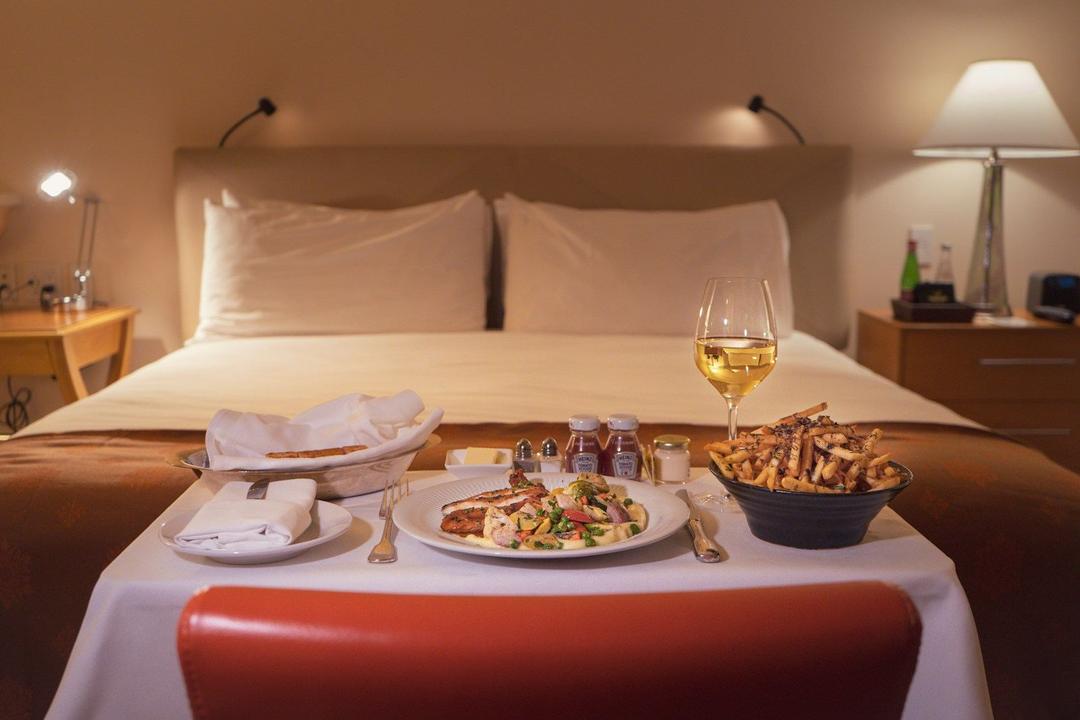
Leave out dishes that collapse in transit: fries that go soggy in 15 minutes, soufflés, anything that needs to be finished at the table. Swap them for oven wedges, a tart, or dishes that hold heat under a cloche.
How do you price a room service menu?
Price room service dishes from their food cost like any other dish, then build a modest delivery premium into the price rather than adding a large separate fee. Room service costs more to run than the restaurant: a runner per order, trays, cloches and dishes that come back later. You can cover that with a markup over your restaurant prices, a small tray charge, or both.
The benchmark data supports a price premium over a visible fee. A 10–15% menu price increase produced 16.6% more revenue with no measurable drop in order volume, while one property that added a €17.85 delivery fee saw monthly orders fall from 87 to 5 (Hospitality Net). Start with the food cost formula in our guide on how to price menu items, then adjust:
| Dish | Food cost | Restaurant price (30% food cost) | Room service price (+15%, rounded) |
|---|---|---|---|
| Club sandwich with fries | €4.20 | €14.00 | €16.00 |
| Cheeseburger | €4.80 | €16.00 | €18.50 |
| Margherita pizza | €2.70 | €9.00 | €10.50 |
| Continental breakfast | €4.50 | €15.00 | €17.00 |
If you charge a tray fee, keep it small and show it on the menu, not only on the bill. A charge the guest saw before ordering feels fair; a surprise at checkout does not.
How to create a digital room service menu, step by step
You can create a digital room service menu in an afternoon: build the menu online, add translations and allergens, then put a QR code in every room that lets guests order with their room number.
1. Decide what you will deliver and when
Agree with the kitchen on service hours, the night menu, and how many orders you can handle at your busiest times, such as breakfast and the evening. Write down who takes the order, who prepares it and who carries it up.
2. Build the menu in categories that follow the day
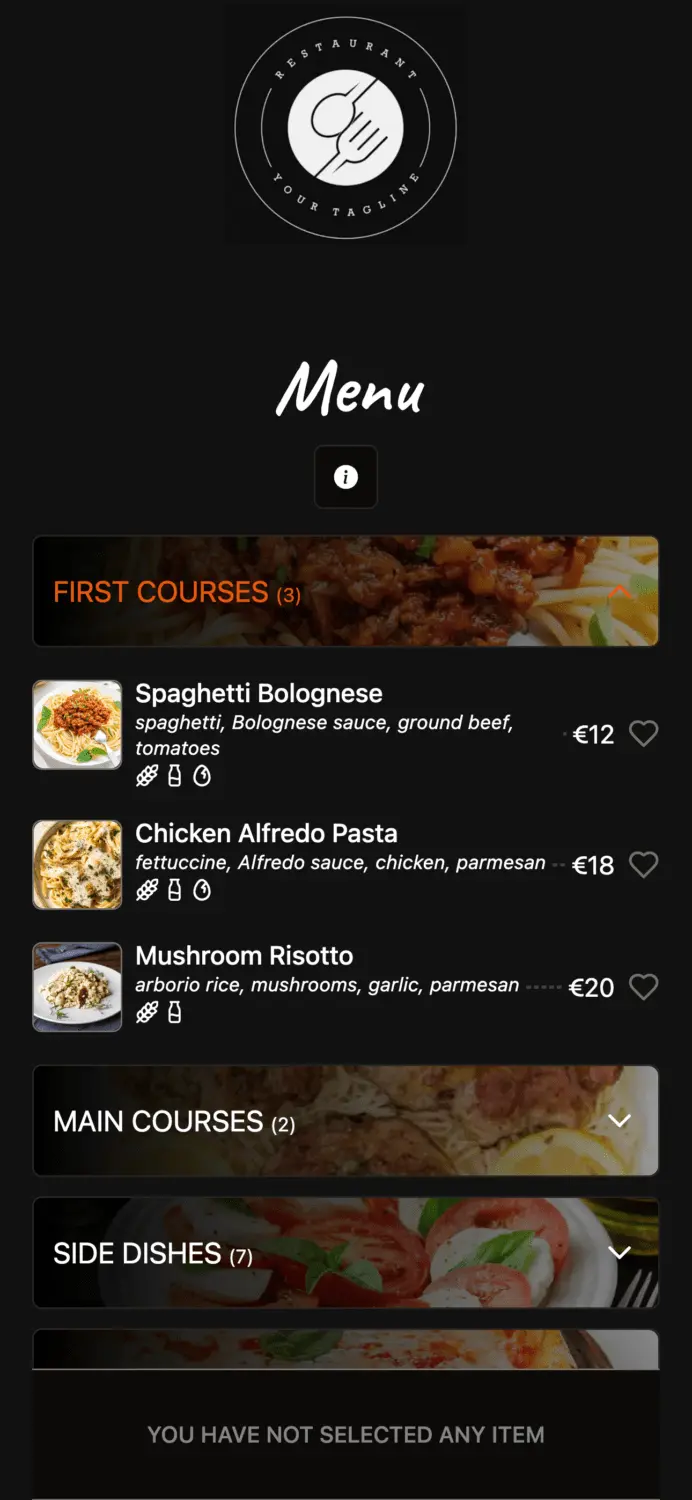
Use categories like Breakfast, All day, Night menu, Kids, Drinks and Desserts. Add a photo, a one-line description and a price to every item. Photos matter more on a phone than in a folder, because guests scroll quickly. If you’re starting from scratch, our step-by-step guide on how to make a QR code menu covers the basics.
3. Label allergens and dietary choices
Tag each dish with its allergens and mark vegetarian, vegan and gluten-free options. A guest ordering alone in their room cannot ask the waiter, so the menu has to answer the question for them.
4. Translate it into your guests’ languages
Check your booking data for the top nationalities and translate the menu into those languages, so each guest can switch to their own. Read more in how to add multiple languages to your menu.
5. Turn on ordering with the room number
The order must reach the kitchen with the room number and any notes, such as “deliver at 7:30” or “no onions”. In Elegant Menu, the QR menu and ordering platform, guests enter their room number in the order form, can add a note with a delivery time, and the order lands on a live order board where staff move it from pending to preparing to ready. The guest gets an order-status page on their phone that updates in real time, so nobody needs to call reception to ask where the food is.
6. Make sure the team sees every order
Room service orders arrive at any hour, often when the restaurant is busy. Set up at least one alert channel that someone always watches: a screen in the kitchen, an automatically printed ticket (see our receipt printer setup guide), or a phone notification. On the Elegant Menu Standard plan, order updates can go to Telegram for 2 users, and up to 7 users on Premium.
7. Decide how guests pay
Either guests pay online when they order, or the order is added to the room bill and settled at checkout. Online payment suits hotels without a PMS link; room charge suits larger properties. Elegant Menu supports online payments (2% fee on Basic, 1.5% on Premium) or you settle with the guest your usual way. It does not post charges to a PMS automatically, so staff add room-charge orders to the folio themselves.
8. Place a QR code in every room
Put the QR code where guests look for food: on the desk, the bedside table, or next to the TV remote. Print it at least 3 × 3 cm with a short line such as “Hungry? Scan to order room service, 6:30–23:00”. Test it with an iPhone and an Android phone on the in-room Wi-Fi before rolling out.
Paper, phone, tablet or QR: which room service menu format is best?
For most independent and mid-size hotels, a QR code menu with ordering gives the best balance of cost, guest convenience and ease of updates. Here is how the four formats compare:
| Format | Cost | Updating prices | Languages | Ordering | Best for |
|---|---|---|---|---|---|
| Printed folder + phone | Printing per room | Reprint every change | Usually 1–2 | Phone call to reception | Very small properties |
| QR code menu with ordering | Free to low monthly fee | Instant, online | Several, guest chooses | Guest orders on own phone | Most hotels and apartments |
| In-room tablet | Hardware per room + software | Instant | Several | On the tablet | Luxury hotels |
| Hotel app | Development or platform fee | Instant | Several | In the app, after download | Chains with loyalty programmes |
Keep a small printed card in the room with the QR code and the reception phone number, so guests without a smartphone can still order.
Tools for digital in-room dining
Several tools handle digital room service, from simple QR menus with ordering to hotel platforms that charge orders to the room through your PMS. We checked each on its own website in October 2026:
| Tool | What it does for room service | Starting price (published) |
|---|---|---|
| Elegant Menu | QR menu with ordering; guests enter their room number; live order board, order-status page, allergen labels, translations, Telegram alerts | Free plan; paid from €7/month billed yearly (pricing) |
| MenuForma | QR codes per room number; guests order now or schedule a delivery time; EU allergen labels | Free plan; Regular $9.9/month (pricing) |
| GoTab | Ordering and POS platform for hotels and resorts, with PMS integrations | Basic $15/month per location |
| Nonius | Mobile F&B ordering by QR from rooms, pool and bars; charge to room or pay online; POS integration | Not published |
| Hoteligy | Room service with delivery slots, kitchen capacity limits, PMS room charge and department tickets | Not published |
| Restajet | QR menu with a room service mode for hotels, senior living and hospitals | Not published |
If you need orders posted automatically to the guest folio, GoTab, Nonius and Hoteligy are built around PMS integration, which Elegant Menu does not offer. If you want to start quickly without a sales call, Elegant Menu and MenuForma both publish a free plan. Elegant Menu’s Free plan includes 20 orders per month as a trial; Basic (€7/month billed yearly) adds 100 orders per month and 1 translation language; Standard (€23.17/month billed yearly) adds 1,500 orders, 8 translation languages, automatic receipt printing and Telegram alerts.
What are the most common room service menu mistakes?
The most common room service menu mistakes are menus that are too long, hidden charges, and orders that nobody sees quickly enough.
- Copying the full restaurant menu. 60 dishes slow down the kitchen and the guest. Pick the 15–25 that travel well.
- Surprise fees. A large delivery charge shown only on the bill discourages repeat orders.
- Out-of-date folders. Guests order a dish that was removed months ago. Hide unavailable items online instead.
- Slow confirmation. The SuitePad fleet’s median response time was 2.4 minutes, and slower properties lost three times more orders to declines (source).
- One language only. International guests skip what they can’t read.
Frequently asked questions about room service menus
How many items should a room service menu have?
Around 15–25 items across breakfast, all-day, night and drinks sections works well for most hotels. That is enough choice for a two- or three-night stay without overloading the kitchen.
Should room service be more expensive than the restaurant?
Yes, a modest premium is reasonable because delivery costs staff time. Build it into dish prices or use a small, clearly shown tray charge; in the SuitePad data, a large separate delivery fee cut orders sharply.
How do guests order room service with a QR code?
Guests scan the code in their room with their phone camera, choose dishes, enter their room number and send the order. The kitchen sees it on an order board or printed ticket, and the guest can follow the status on their phone.
Can I use one QR code for every room?
Yes, one QR code can serve every room if guests type their room number when ordering. Some tools also generate a separate code per room that fills in the number automatically.
Can the room service menu also cover the bar, pool and minibar?
Yes, you can add categories for bar drinks, pool snacks or minibar items, or run a separate menu for each outlet. Show each section’s hours so guests know what is available now.
Create your room service menu today
You can build a digital room service menu with photos, allergens and room-number ordering for free with Elegant Menu, then add translations and order alerts as you grow. See how a live menu looks on a guest’s phone before you start.